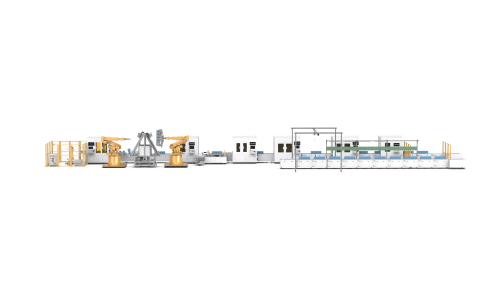
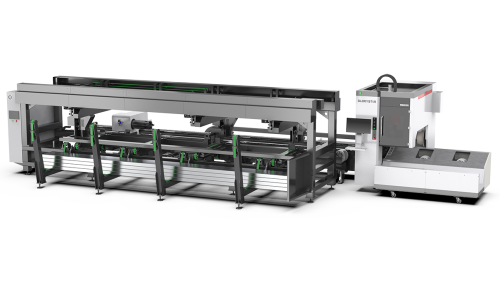
A laser cutting machine finishes a batch of parts ahead of schedule. That sounds like a good sign for laser cutting production capacity, right? Not necessarily. The parts still need to go through bending, welding, and assembly. If the press brakes are occupied and the welding team is already working through another order, those freshly cut parts may end up sitting on pallets for the rest of the day.
It is a bit like opening more checkout lanes at a supermarket when the parking lot has only one exit. Customers can get through the tills faster, but the traffic jam has simply moved somewhere else.
The same thing happens in metal fabrication. A factory can invest in faster cutting equipment and still struggle to ship more finished products. Before looking at ways to increase laser cutting production capacity, it helps to see how work moves through the entire shop.
When the Cutting Table Gets Ahead of the Rest of the Shop
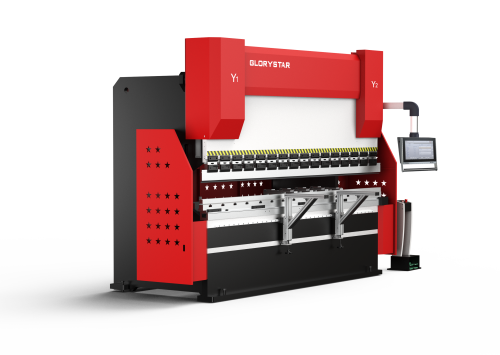
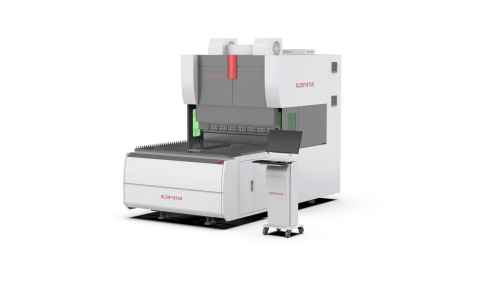
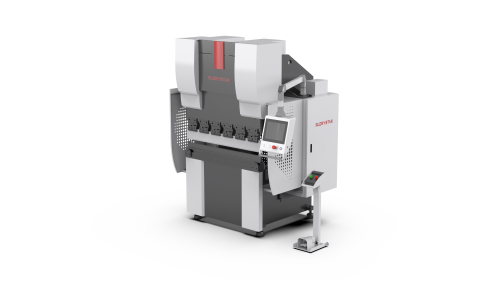
Picture a manufacturer making stainless steel enclosures. In the morning, the laser cutter processes the flat panels for several orders. By lunchtime, the cutting table is ready for the next batch. Meanwhile, the press brake operators are still forming panels from yesterday's jobs.
The cutting department has done its part, but the factory has not finished any more enclosures just because those panels were cut earlier.
Now imagine that the shop buys a higher-power laser cutter. Depending on the material and thickness, the new machine may finish suitable jobs faster. But the press brakes still have the same working hours, and the welding team still needs time to assemble the enclosures. More cut parts arrive, yet the number of finished units may barely change.
There is nothing wrong with increasing cutting speed when the machine is holding production back. The trouble starts when a factory assumes that every improvement at the cutting stage will carry through to the shipping dock.
Follow the Parts, Not Just the Machine
One of the easiest ways to understand a production problem is to follow an actual order through the workshop.
Take a batch of steel frames. The laser cuts the profiles and connecting plates. Some components go straight to bending; others need to be prepared for welding. Once the frames are welded, the parts may need inspection before moving to the next operation.
At each stage, ask a simple question: how long did the parts wait, and how long did someone actually work on them?
A component might spend 15 minutes being processed and then sit in a queue for three hours. Looking only at the machine cycle tells you about those 15 minutes. Looking at the whole journey shows where most of the time went.
Try this with two or three common orders rather than the entire production schedule at once. Choose jobs that represent the work your factory handles most often. Note the time spent cutting, changing setups, moving material, bending, welding, and assembling.
You may find that the laser cutter is busy all day but is not the main constraint. Or you may discover that cutting really is falling behind, especially when several thick-material jobs land in the same week.
Either result is useful. At least the next investment decision has something more solid behind it than a machine's advertised speed.
A Busy Workshop Can Still Have a Bottleneck
A bottleneck does not always look like a broken machine or a department full of idle workers. Sometimes everyone is working hard, but one operation simply cannot process jobs as quickly as the others send them in.
Suppose a shop can cut enough components for 100 products per shift. Bending can handle the components needed for 70 products, while welding can complete work for 80. These figures are simplified, but they show the problem clearly: the shop cannot finish 100 products per shift when bending can prepare only 70.
Buying another laser cutter would be like adding more water to a pipe that is already restricted farther along. The amount entering the system goes up, but the restriction remains.
Before spending money on new equipment, look at the department with the longest queue. Is it short of machine time, or are tool changes, fixture adjustments, and job scheduling taking up too much of the shift? Would reorganizing batches help? Does the department genuinely need another machine?
The answer might be a new press brake, a better welding fixture, or a change in scheduling. In some cases, a faster laser cutter is still the right move. The numbers should tell you which problem deserves attention first.
Cutting the Right Parts at the Right Time
Producing a large number of parts does not automatically mean an order is ready for the next stage.
Imagine an enclosure that needs a top panel, two side panels, and several mounting brackets. The laser cutter produces all the top panels first because they share the same material and thickness. It then moves on to another job. The bending department has plenty of top panels to work on, but the assembly team cannot complete an enclosure until the remaining components arrive.
Grouping similar cutting jobs can save setup time, so it is not always practical to cut every component set together. Still, production planners need to balance those savings against what the next departments actually need.
For a factory handling many small orders, this can make a noticeable difference. Cutting priorities may need to change throughout the day as bending and welding clear one job and prepare for the next. A short conversation between departments can sometimes prevent a pallet of parts from waiting simply because one missing component was scheduled too late.
Don't Forget the Time Between Operations
Parts do not move from one machine to another by themselves. Someone has to unload them, sort them, identify the order, and get them to the right place. Large sheets and heavy components may require lifting equipment or additional handling space.
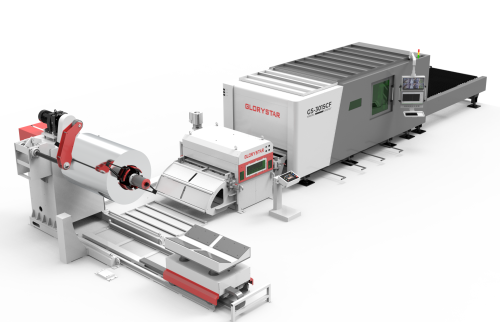
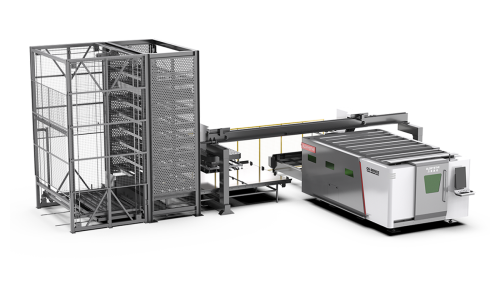
Consider a shop where the laser cutter has an exchange table and automatic loading. The machine can keep working while finished sheets are removed and new material is brought in. That can reduce interruptions at the cutting stage. But if the cut parts are mixed together, the storage area is cramped, or the next department cannot take them immediately, the benefit may be limited.
Think of material handling as the roads between production stations. Even when each machine works well, awkward routes and repeated trips can slow the movement of parts through the factory.
Walk the route from the cutting area to bending, welding, and assembly. Look for parts that are moved more than once, piles that block access, or operators who regularly have to search for the next job. These are practical details, but they affect how much work the factory can get through in a shift.
How Much Cutting Capacity Do You Actually Need?
Before buying another machine, check whether the current cutter is genuinely running out of available production time. Review its workload across a typical week, including job changes, material handling, and the mix of materials and thicknesses being processed.
A shop that cuts thick carbon steel every day may have different requirements from one producing small batches of stainless steel components. Laser power matters, but so do the working area, motion system, cutting head, and the way material is loaded and unloaded.
Then look at the departments that will receive the extra output. If bending and welding have enough room to handle more work, increasing cutting capacity may help the factory take on additional orders. If those departments are already stretched, their capacity may need attention too.
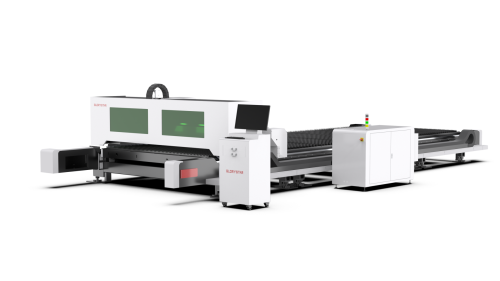
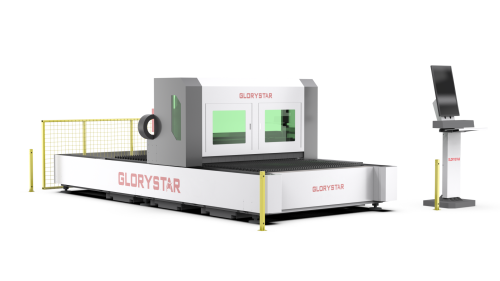
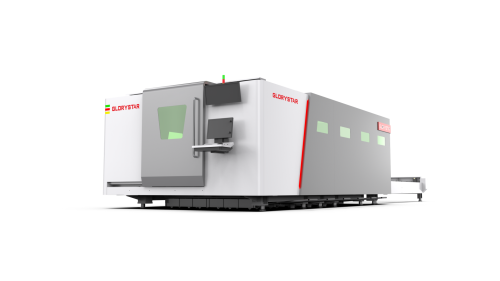
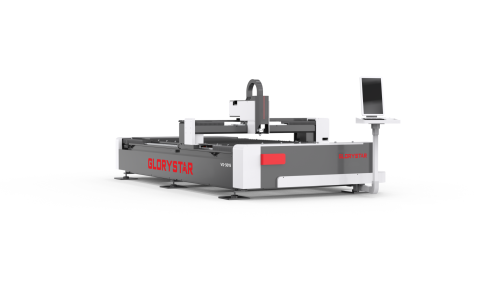
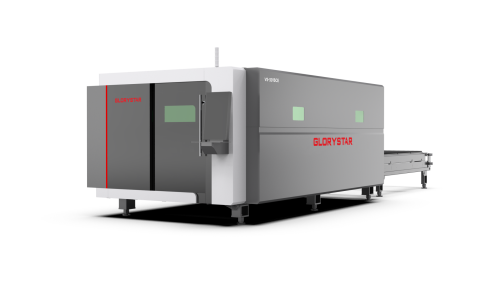
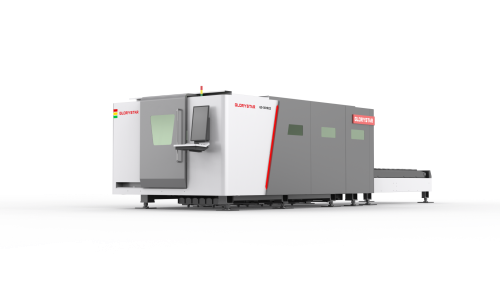
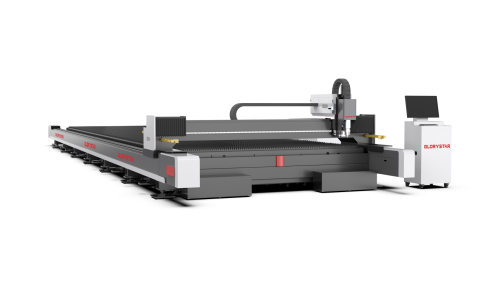
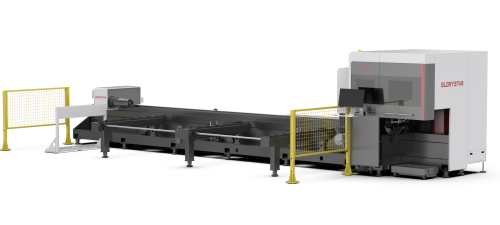
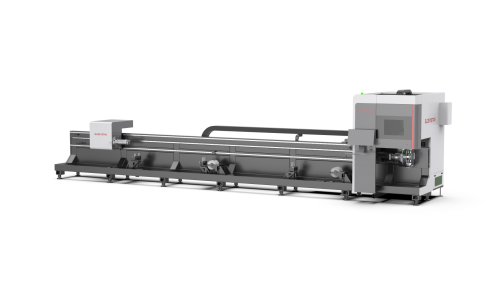
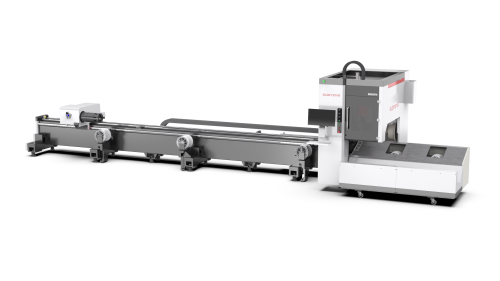
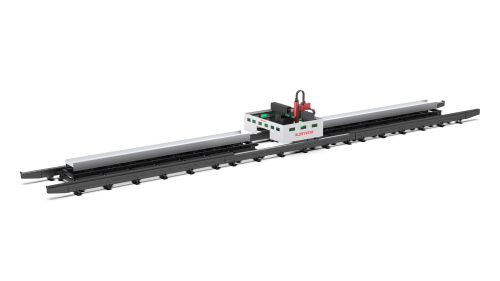
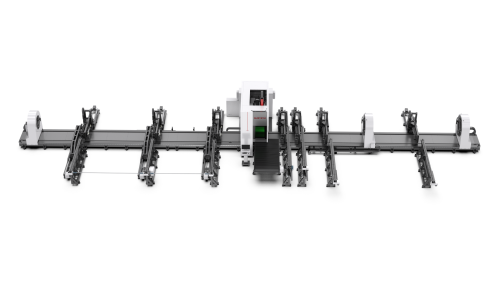
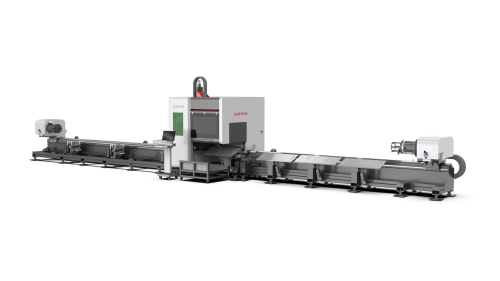
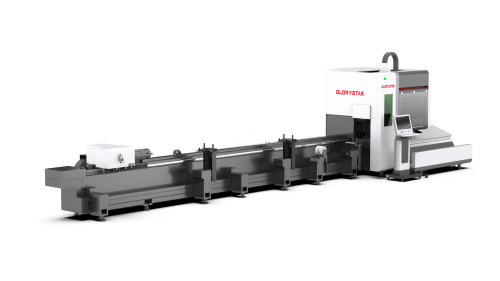
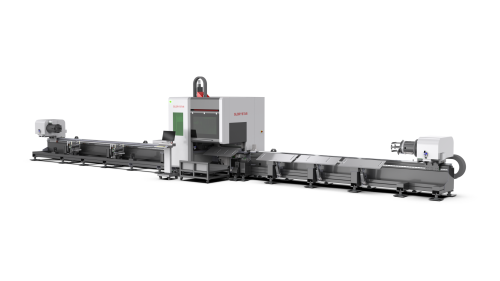
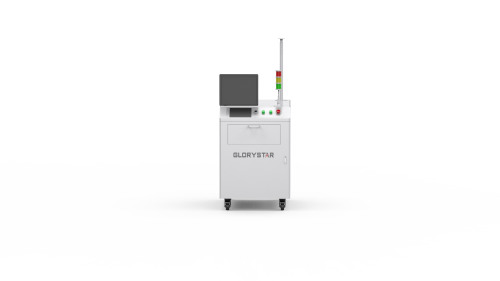
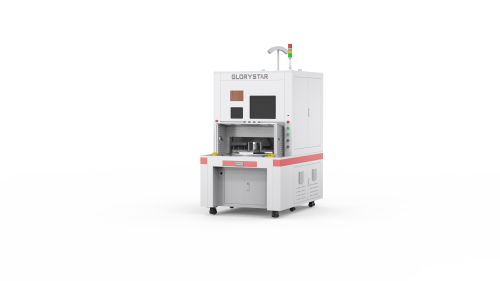
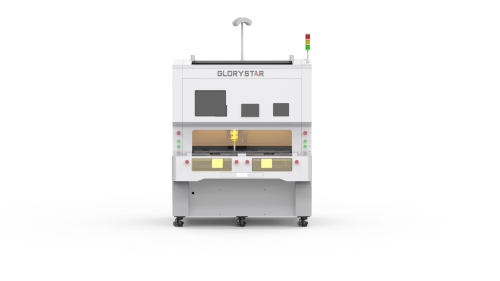
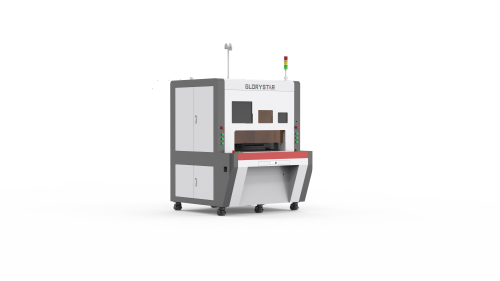
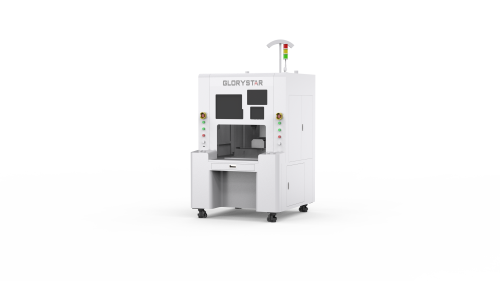
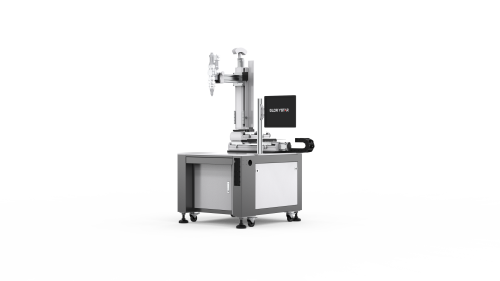
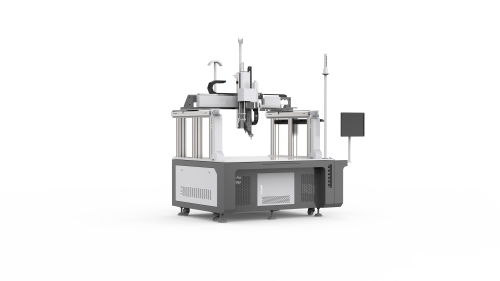
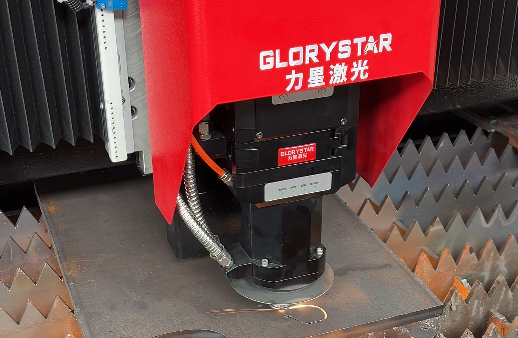
Glorystar offers fiber laser cutting machines for a range of metal fabrication applications. When evaluating a new machine, start with the materials you process, the jobs you run most often, and the output your downstream operations can handle. The aim is not to make the cutting department the fastest part of the factory at any cost. It is to give the whole shop the capacity it needs to turn raw material into finished products.